AI fashion photoshoot
One design, one model, six frames.
A photoshoot in Tarzi takes one design and plans six coordinated frames for it — full length, three-quarter, detail, back, movement and portrait — with the same model, the same garment and one setting, in the style you pick. Every frame is a full image you download.


What you get
Planned per design
A preset sets the style direction; the shot list is planned for your particular garment, so the frames show what that piece needs.
Consistent across the six
Same model, same garment, same light. Add a photo of your own model to keep a particular face.
Starts from an image
From a design you generated, an edit, or an uploaded photo of a garment.
How it works
Pick the design
Any image in your gallery, or a garment photo you upload.
Choose a preset
Each preset is a style family; the default keeps the scene of your starting picture.
Six frames arrive
Photoshoots take longer than a single image. The job runs in the background and the frames appear on the card as they finish.
Download or go further
Download the frames as generated, ask for a different angle of one, or make a film from any of them.
Examples from the studio
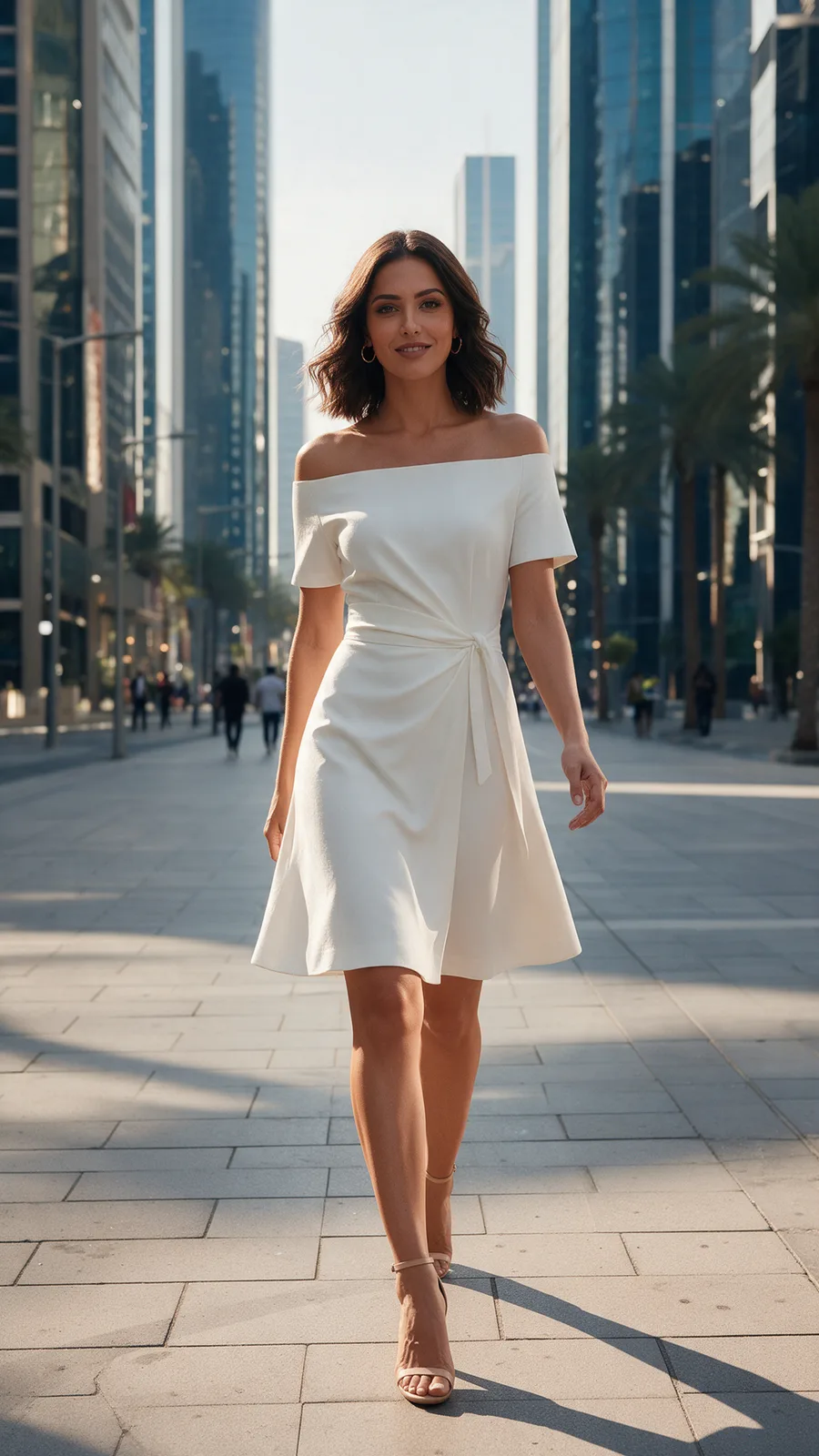
Full length 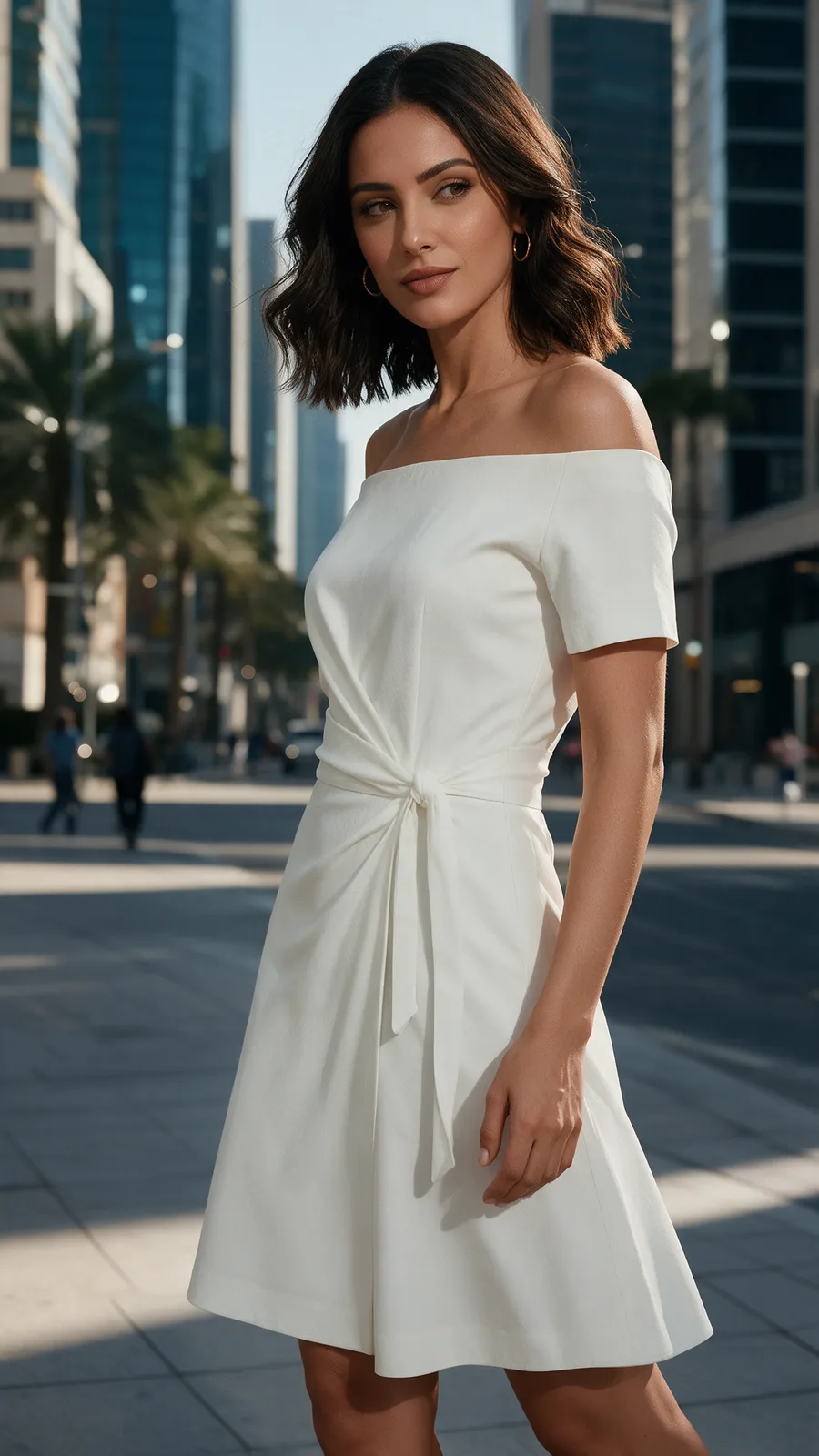
Three-quarter 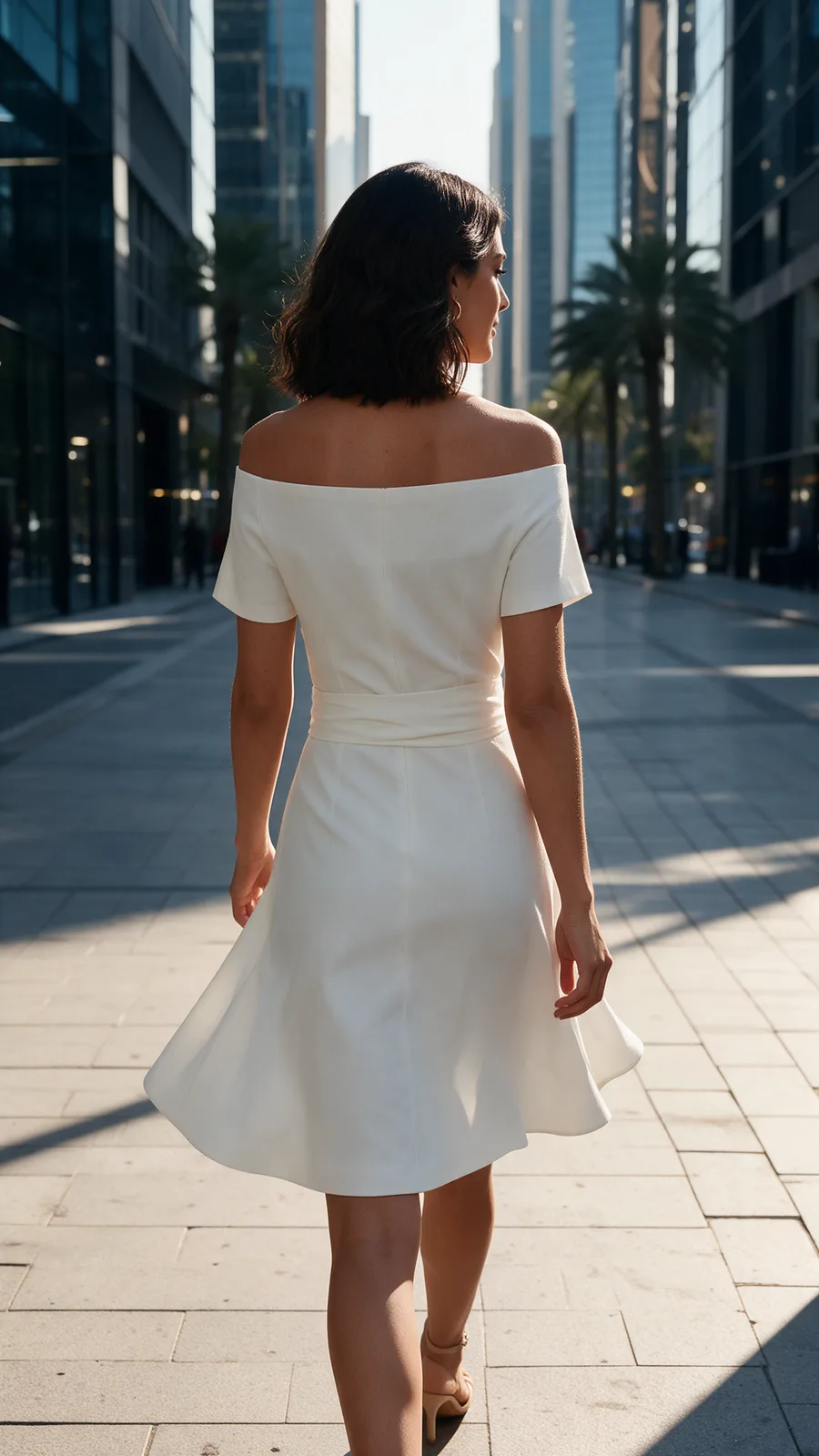
Back 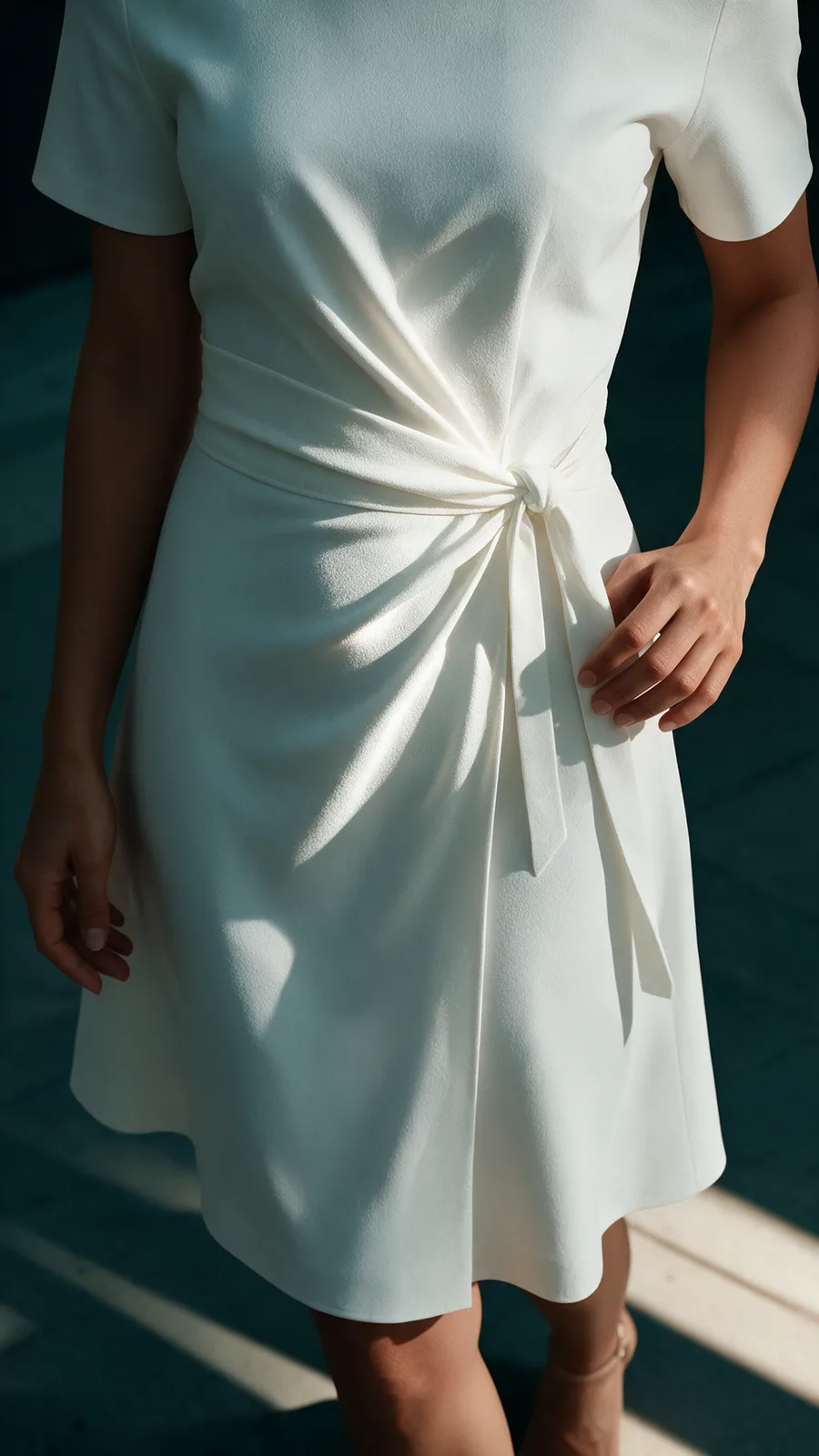
Detail 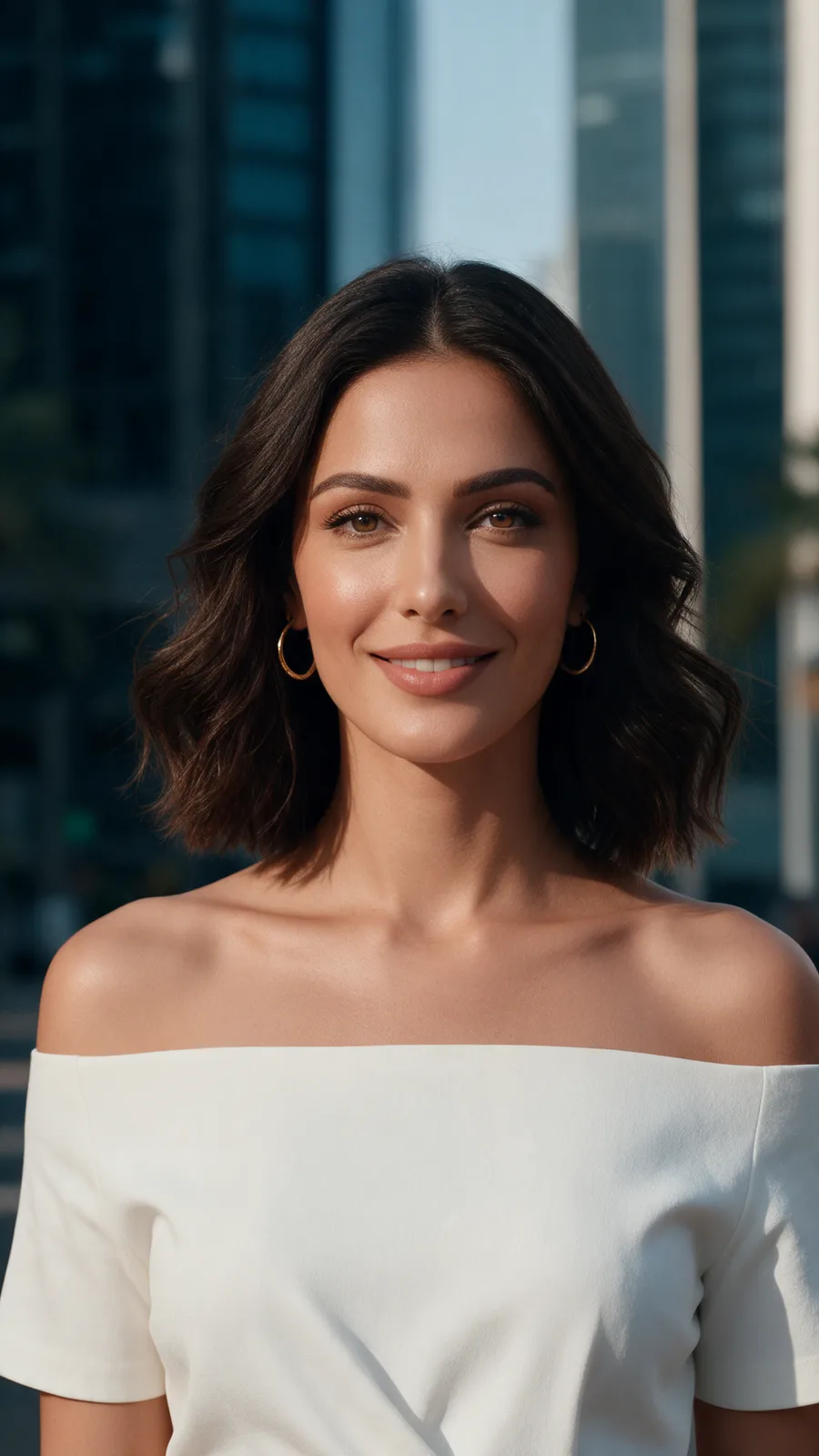
Portrait 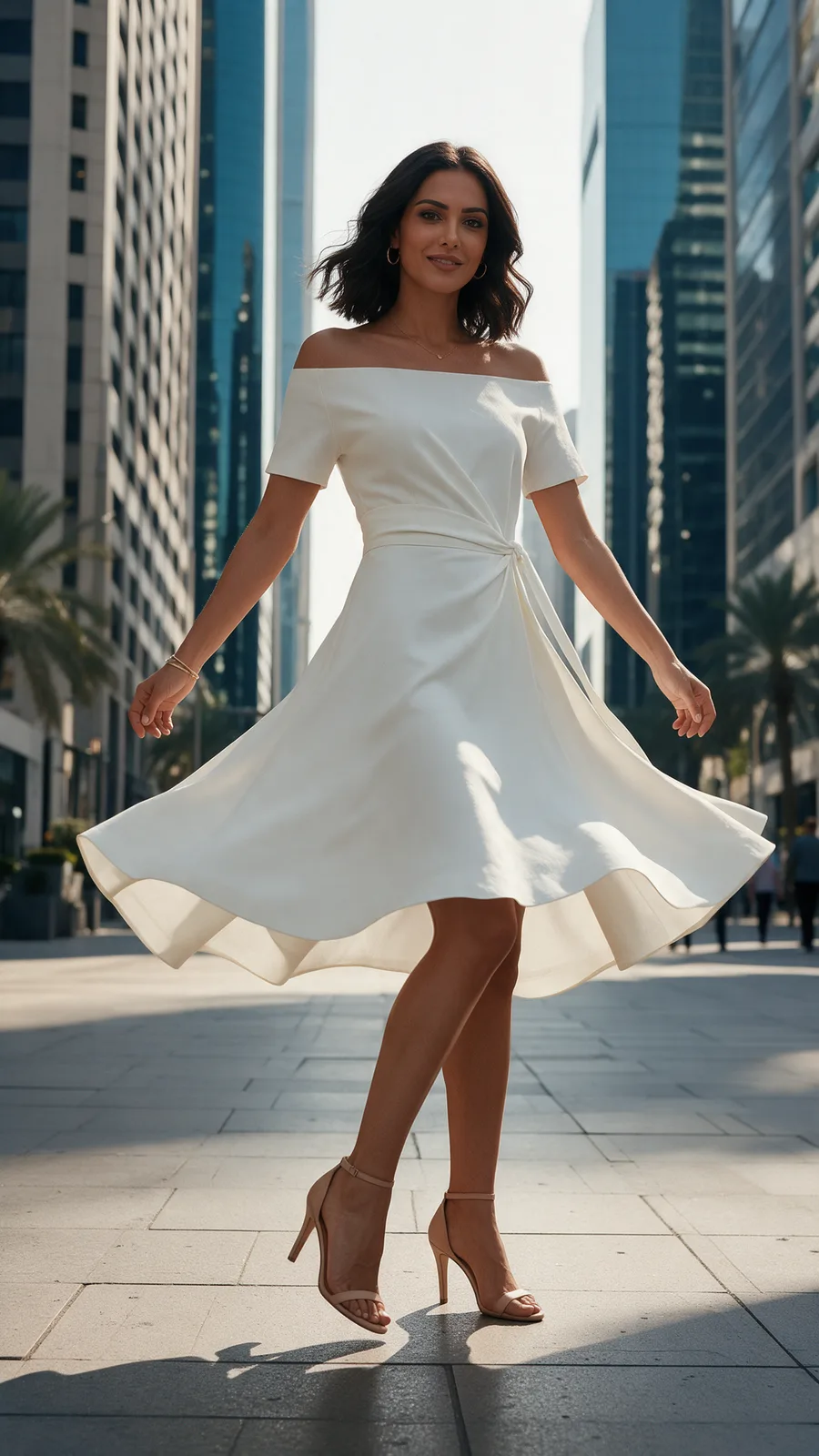
Movement


Every picture on this page is Tarzi output made for the showcase, not customer work. Your own results depend on your references and your description.
What to expect
The frames are AI-generated previews: they show a direction, they are not photographs of a real shoot.
If the whole shoot fails, its credits return automatically. If some frames complete, the shoot is charged and you keep those frames.
What you generate belongs to you, stays private to your account and is never used as an example.
Questions people ask
- How many frames, and which ones?
- Six single frames per shoot — full length, three-quarter, detail, back, movement and portrait, planned for the particular design. The example on this page shows one complete set.
- Can I choose the model?
- Yes. Describe the model, or add a photo of your own model as a reference, used with that person's agreement.
- Can I change one frame?
- Yes: edit an area of that frame, ask for a different angle, or make a film from it. The rest of the shoot is untouched.
- What does a photoshoot cost?
- One photoshoot price in credits, spent once per shoot. Credits come in packs with no subscription; the studio shows the price before you confirm.
Related pages
Try it on a design of your own
Open the studio, start from a sentence, a sketch or a photo, and judge the result on your own work. Credits are bought once and spent per piece; nothing renews.