For fashion photographers
Plan the shoot before the shoot.
Tarzi does not replace your camera. It is a pre-visualisation tool: from a photo of the garment it gives you looks, framing and light to agree with the client before the call sheet — and, after the shoot, more frames of the same model and dress for the channels that always want one more.


What you get
Pre-visualise the brief
Start from the garment photo, pick a style preset and describe the mood. Six coordinated frames — full length, three-quarter, detail, back, movement — show the client the direction before anything is booked.
Extend a finished shoot
Upload the hero image you delivered and ask for a short film with sound or a different angle of the same look, when the client needs more than the day produced.
Originals, never overwritten
Every file is downloaded as generated. Edits make new images; the picture you started from stays as it was.
How it works
Upload the garment or the look
A flat, a rack photo or a finished frame — whatever the client has sent you.
Choose the style and describe the mood
Soft window light, hard flash, golden hour, a city street. Pick the closest preset and say the rest.
Review the six frames
Same model, same garment, one setting. Mark a frame to adjust, or ask for another angle.
Deliver or keep planning
Send the frames as the pre-visualisation, or turn one into a five- or ten-second film with sound.
Examples from the studio
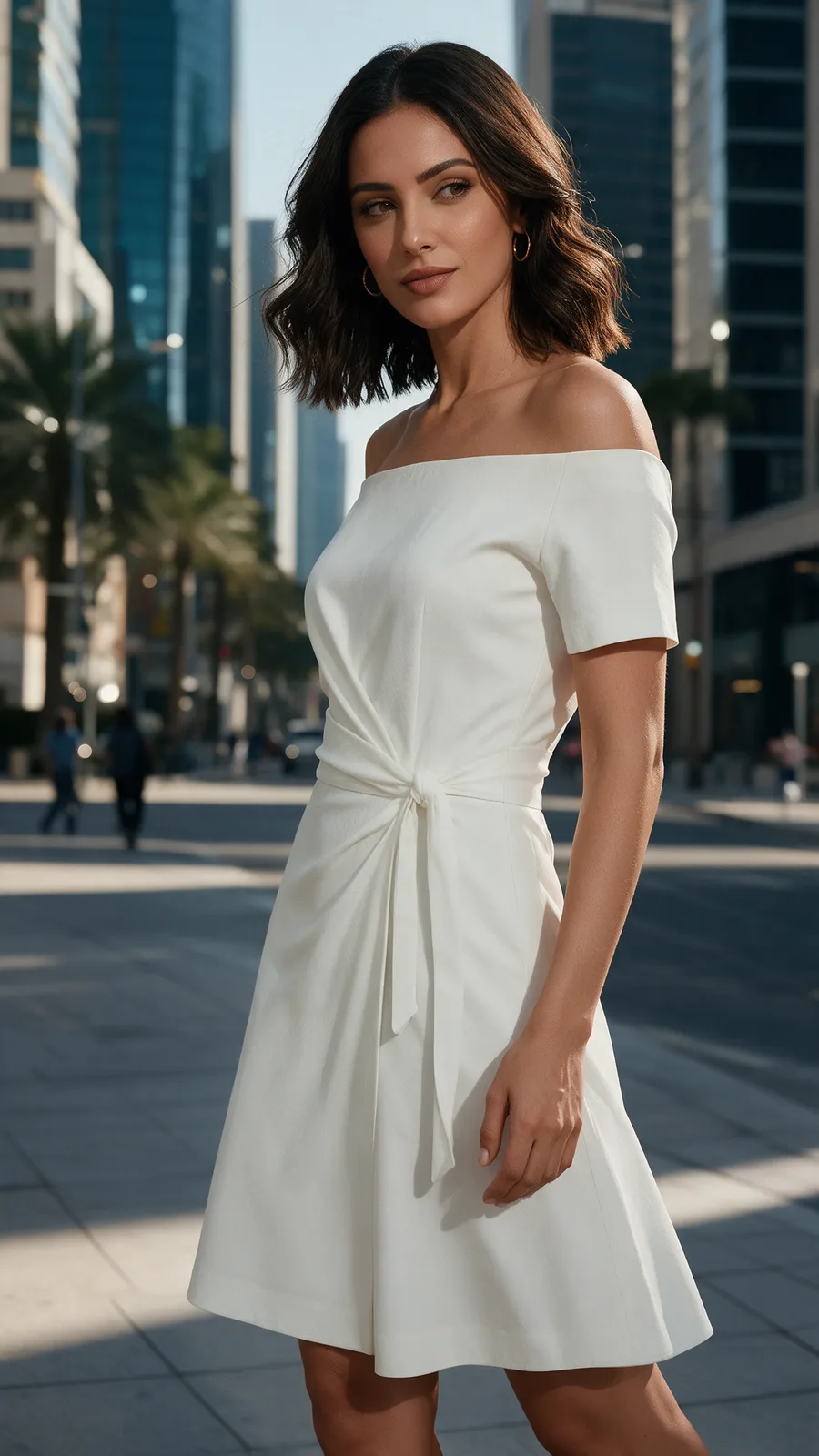
Three-quarter frame 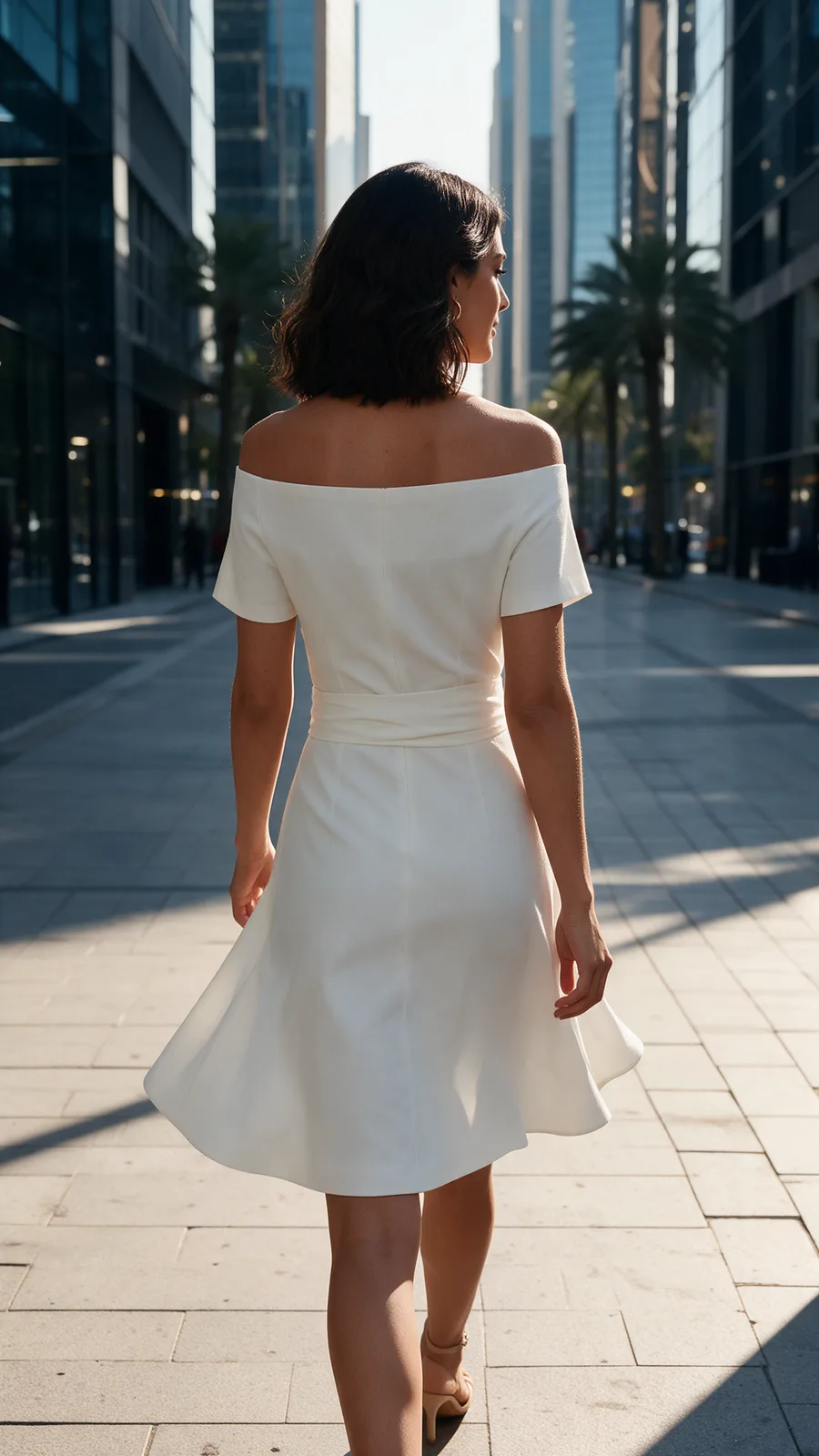
Back view in the same light 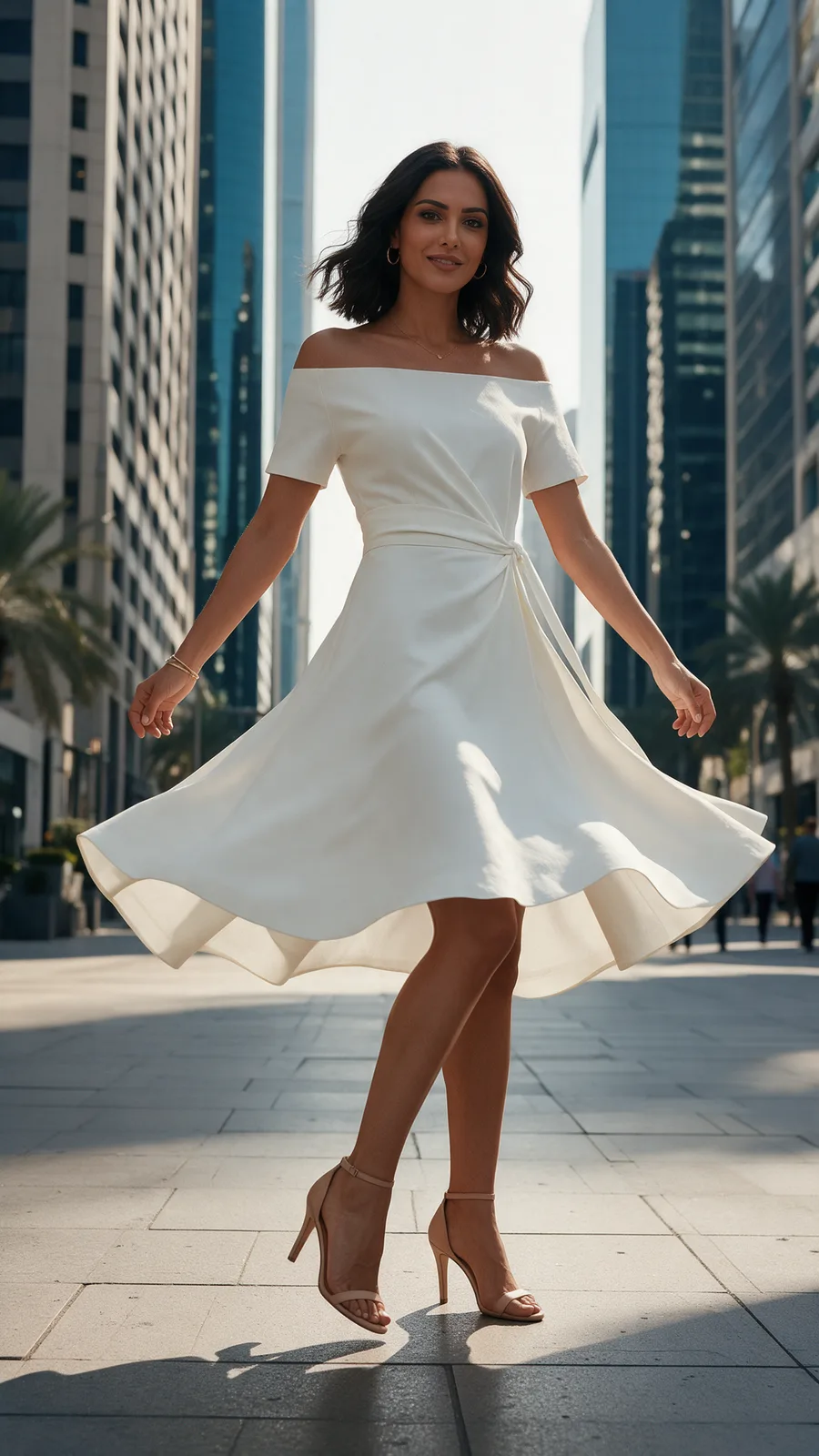
Movement frame


Every picture on this page is Tarzi output made for the showcase, not customer work. Your own results depend on your references and your description.
What to expect
Generated frames are previews, not photographs: skin, hands and fabric physics are approximations, and each run is different.
The model in the frames is generated unless you supply a model photo as a reference. Supply one only with that person's agreement; references must be yours to use.
What you generate belongs to you and stays private to your account. Tarzi never uses customer work as an example.
Questions people ask
- Will clients mistake these for my photographs?
- Say what they are. The files carry an embedded AI-content marker, and the frames are meant to agree a direction, not to stand in for the shoot.
- Can it match my lighting style?
- Describe it and pick the closest preset. Expect an interpretation rather than a match, then adjust a frame with an area edit if a detail matters.
- Does the model stay consistent across frames?
- Within one photoshoot, yes: the six frames keep the same model, garment and setting. Across separate runs, supply the same model photo to keep the face.
- Who owns the generated frames?
- You do, including commercial use, as set out in the Terms of Service — provided the references you upload are yours to use.
Related pages
Try it on a design of your own
Open the studio, start from a sentence, a sketch or a photo, and judge the result on your own work. Credits are bought once and spent per piece; nothing renews.