Sketch to image
From the sketch to the finished image.
Upload a fashion sketch, describe fabric, colour and finish, and get a realistic image of the garment that keeps the silhouette, proportions and details you drew. Then change one area at a time without touching the rest.


What you get
The lines you drew are kept
The sketch sets the cut. In our tests the silhouette and the architecture of the design were kept in every run; hip drape and skirt volume were the details that most often needed an edit.
Fabric and colour from a sentence
Describe the material and the finish, or add a fabric photo as a second reference, and the rendering follows.
Edits by area
Draw a box or a brush mark over the part to change — a neckline, a sleeve, a hem — and describe the change. The original is kept.
How it works
Upload the sketch
Pencil, ink or a photo of the page. Clean lines help; shading is optional.
Describe what the drawing cannot show
Material, colour, finish, mood — in English or Arabic.
Generate
Usually within a minute or two, in the picture ratio you choose.
Edit and continue
Fix a detail, try a colourway, then show it on a model, shoot six frames or make a film.
Examples from the studio
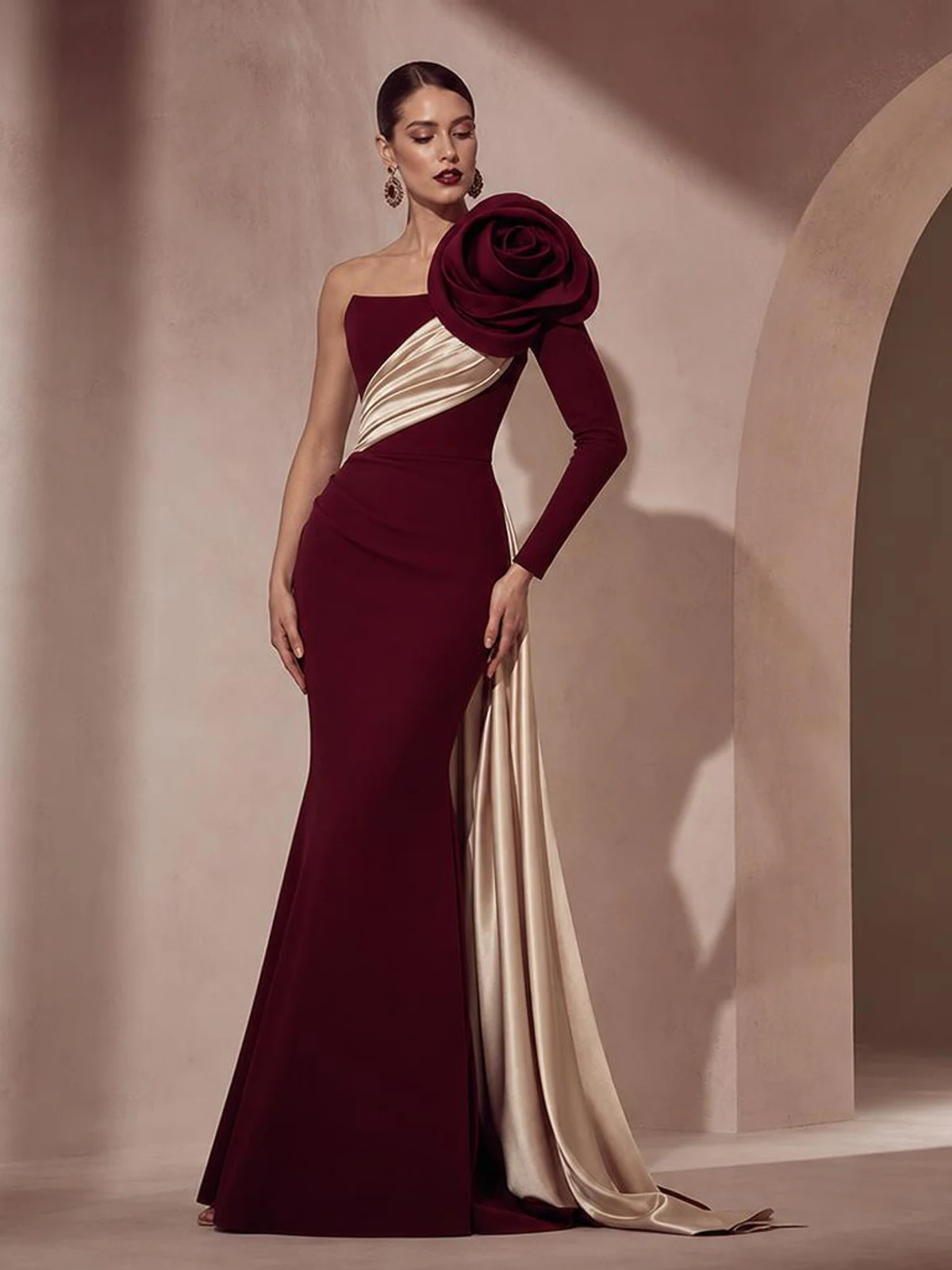
A sculpted silhouette rendered from a description 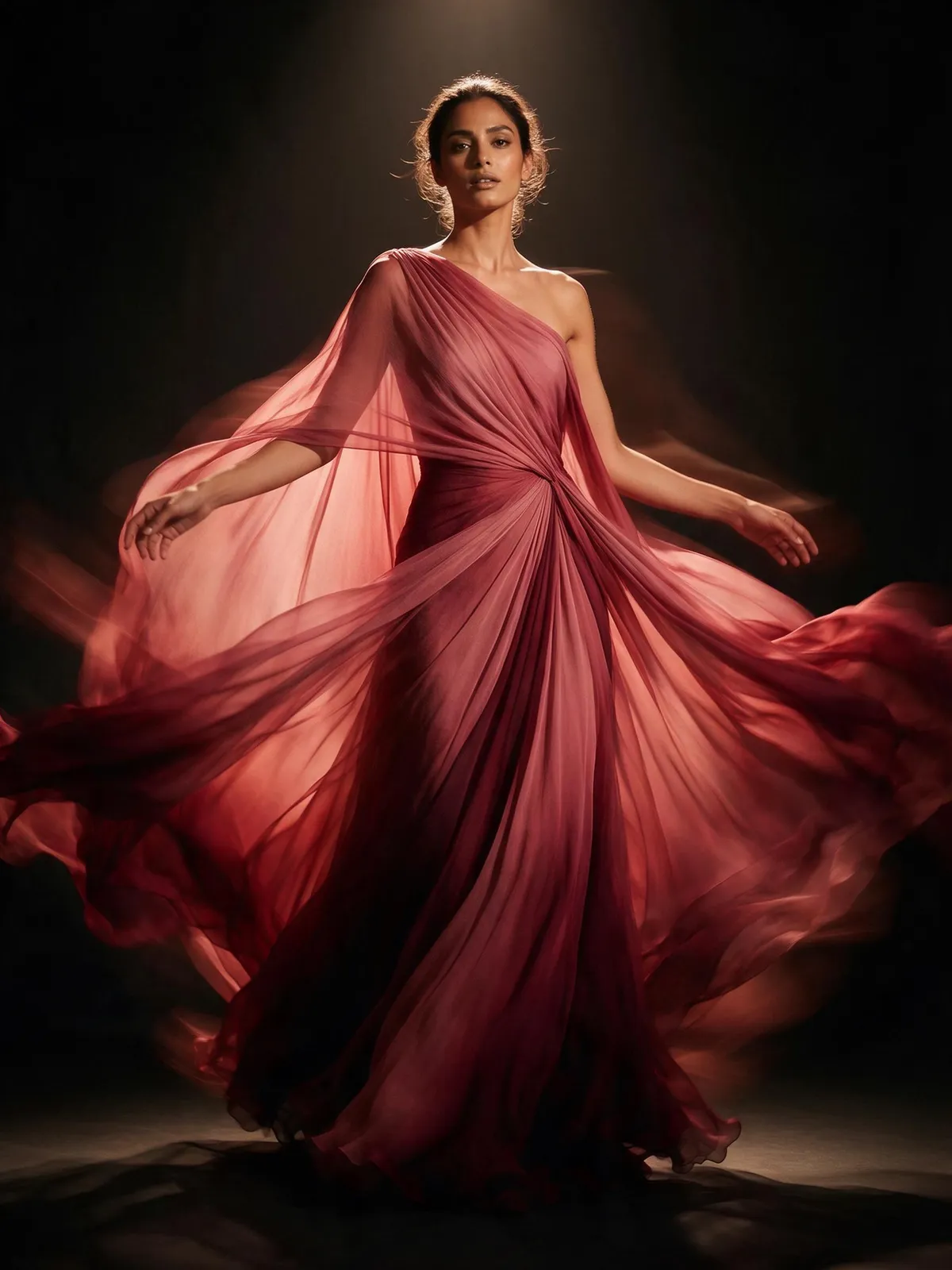
A draped gown rendered from a description 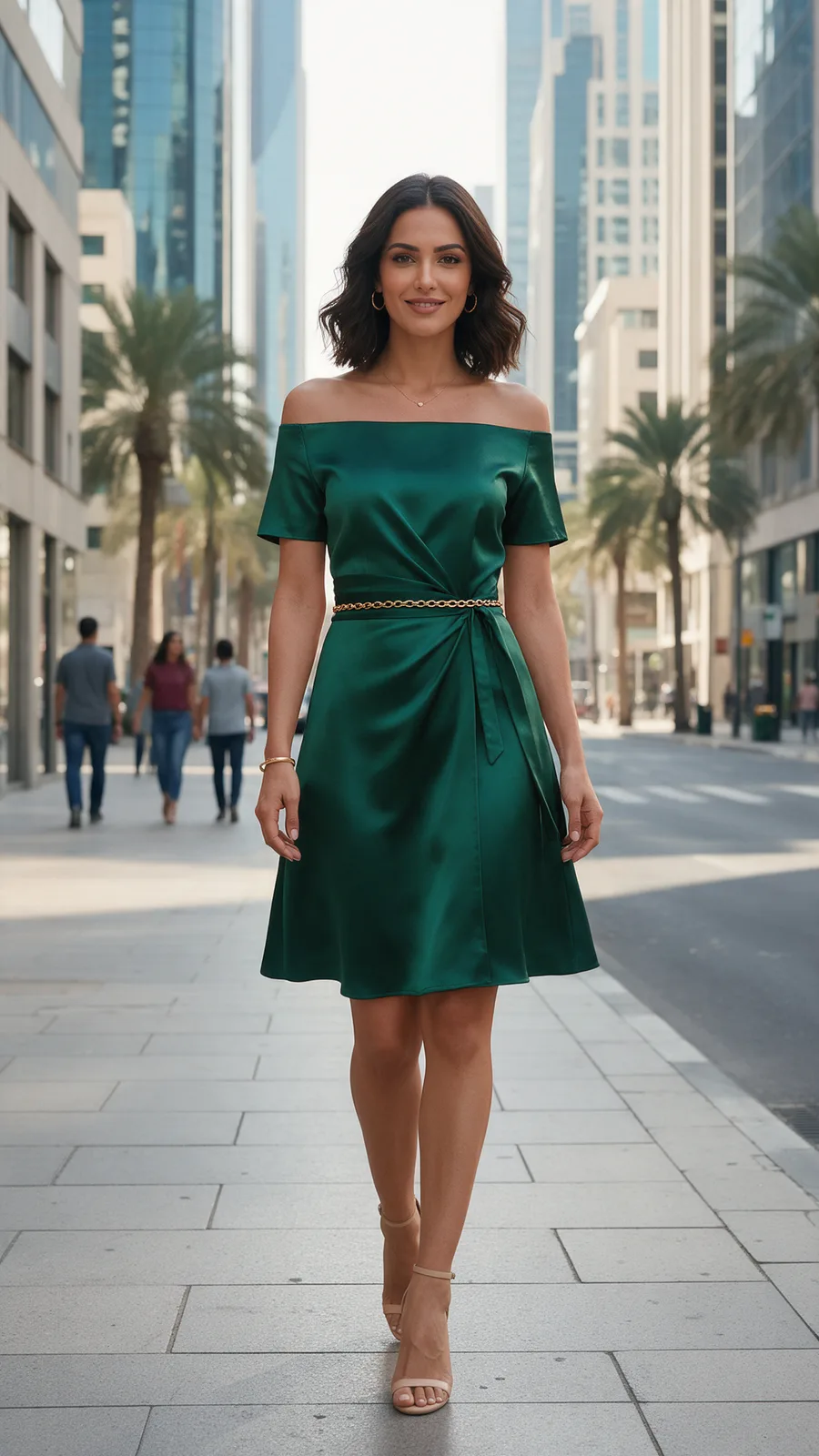
After an area edit: only the marked part changed


Every picture on this page is Tarzi output made for the showcase, not customer work. Your own results depend on your references and your description.
What to expect
Tarzi uses generative AI. The image is an illustration of the design, close to the sketch but not a technical rendering; it helps you decide, it does not replace pattern-making.
A loose sketch gives the model freedom, so fabric and volume follow the description more; a tight drawing is followed more closely. Each run is different.
A generation that fails returns its credits by itself. What you generate belongs to you and is never used as an example.
Questions people ask
- What kind of sketch works best?
- A clear line drawing of the whole garment, head to hem, on a plain background. Croquis proportions are fine; the result uses realistic proportions.
- Can I render the sketch in a specific fabric?
- Add a photo of the fabric as a second reference and name it in the description — the sketch for the cut, the photo for the material.
- What if a detail comes out wrong?
- Mark the area and describe the fix; only that part changes. Each edit is a new image, so nothing is overwritten.
- Is it free to try?
- There are no free credits: every account starts empty and buys a pack when it wants to generate. Packs start small, there is no subscription, and a generation that fails returns its credits.
Related pages
Try it on a design of your own
Open the studio, start from a sentence, a sketch or a photo, and judge the result on your own work. Credits are bought once and spent per piece; nothing renews.