For fashion illustrators
From the drawing to the photograph.
Tarzi turns a fashion illustration into a realistic image of the garment, keeps the silhouette you composed, and lets you show the look on a model or in a short film — without giving up the drawing itself.


What you get
The drawing stays the authority
Upload the illustration and describe fabric and finish. The cut and the proportions follow your lines; the result reads as a photograph of the garment you drew.
Two deliverables from one drawing
Hand a client the illustration and the photoreal rendering side by side, then a six-frame photoshoot or a short film with sound when they want to see the look worn.
Edits without redrawing
Mark the sleeve, the neckline or the fabric and describe the change. Every edit is a new image; the earlier versions stay in your gallery.
How it works
Upload the illustration
A scan or a phone photo of the drawing is enough. Add a fabric photo as a second reference when texture matters.
Describe what the drawing cannot say
Material, colour, lining, hardware, mood. English or Arabic, a few lines at most.
Generate, then refine by area
The first image usually arrives within a minute or two. Draw a box over anything to adjust and describe the fix.
Show it worn
Place it on a model, with or without a photo of a real model, shoot six frames, or make a film with sound.
Examples from the studio
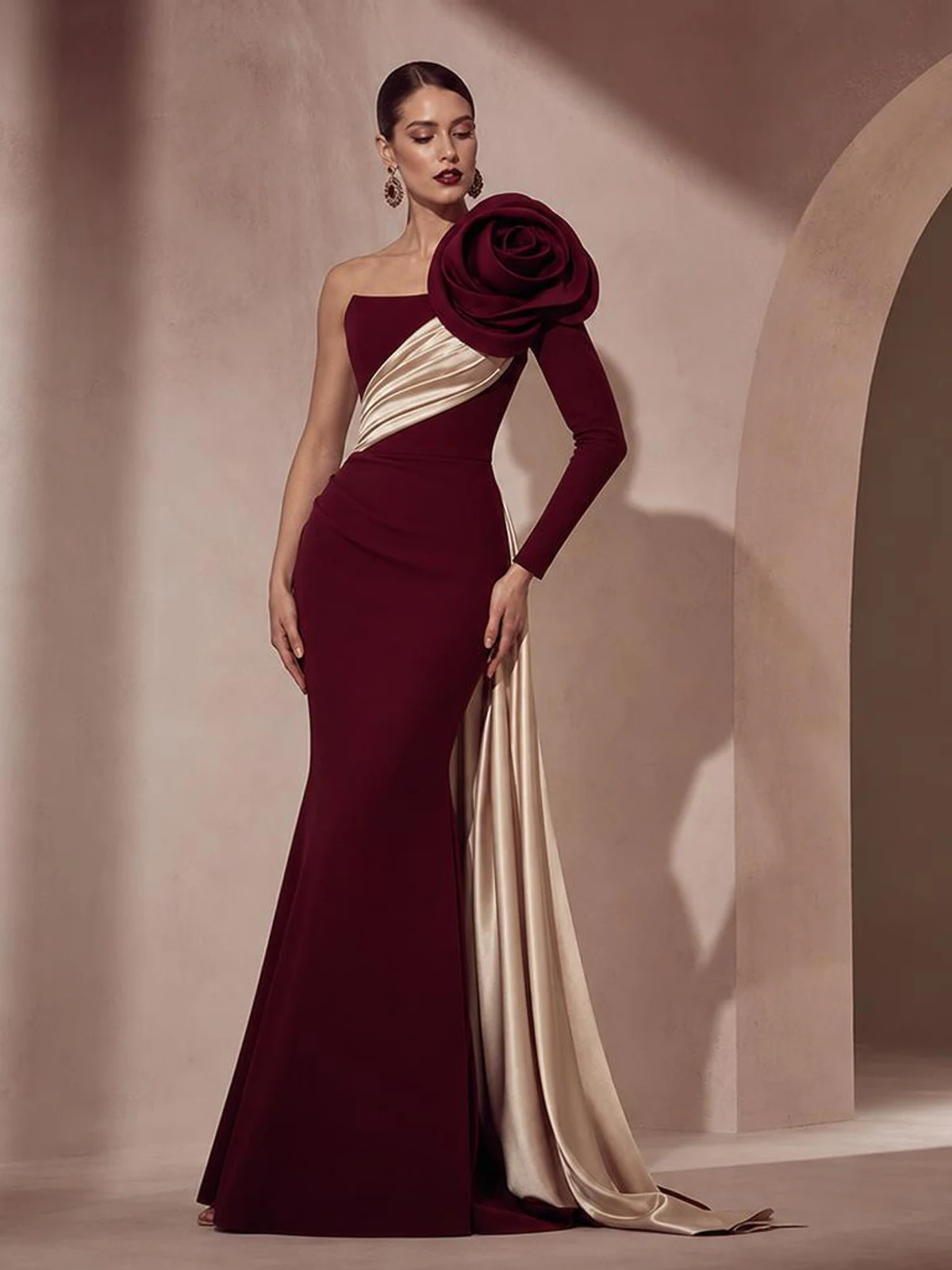
A sculpted silhouette rendered from a description 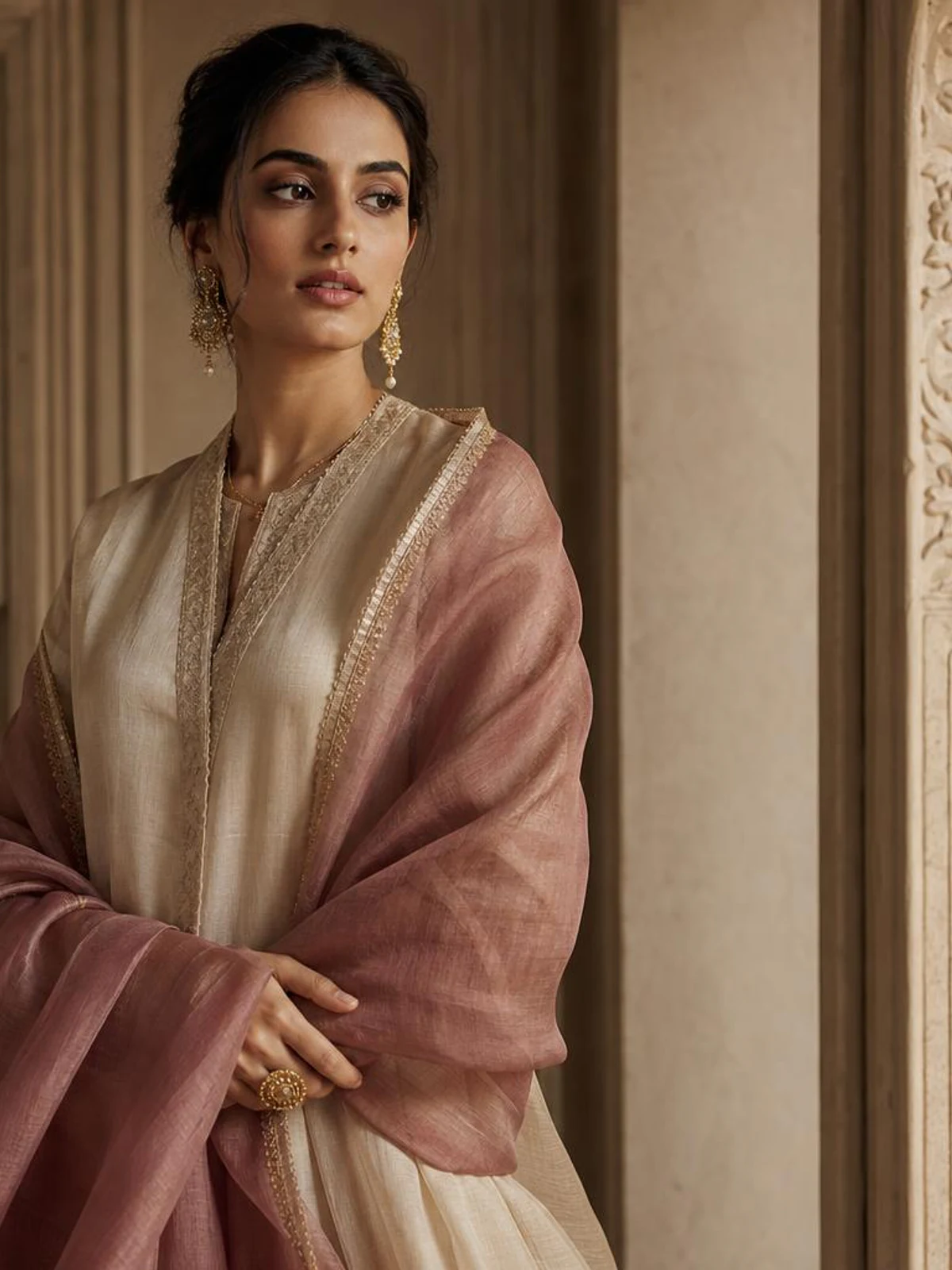
Natural texture: linen rendered as it would photograph 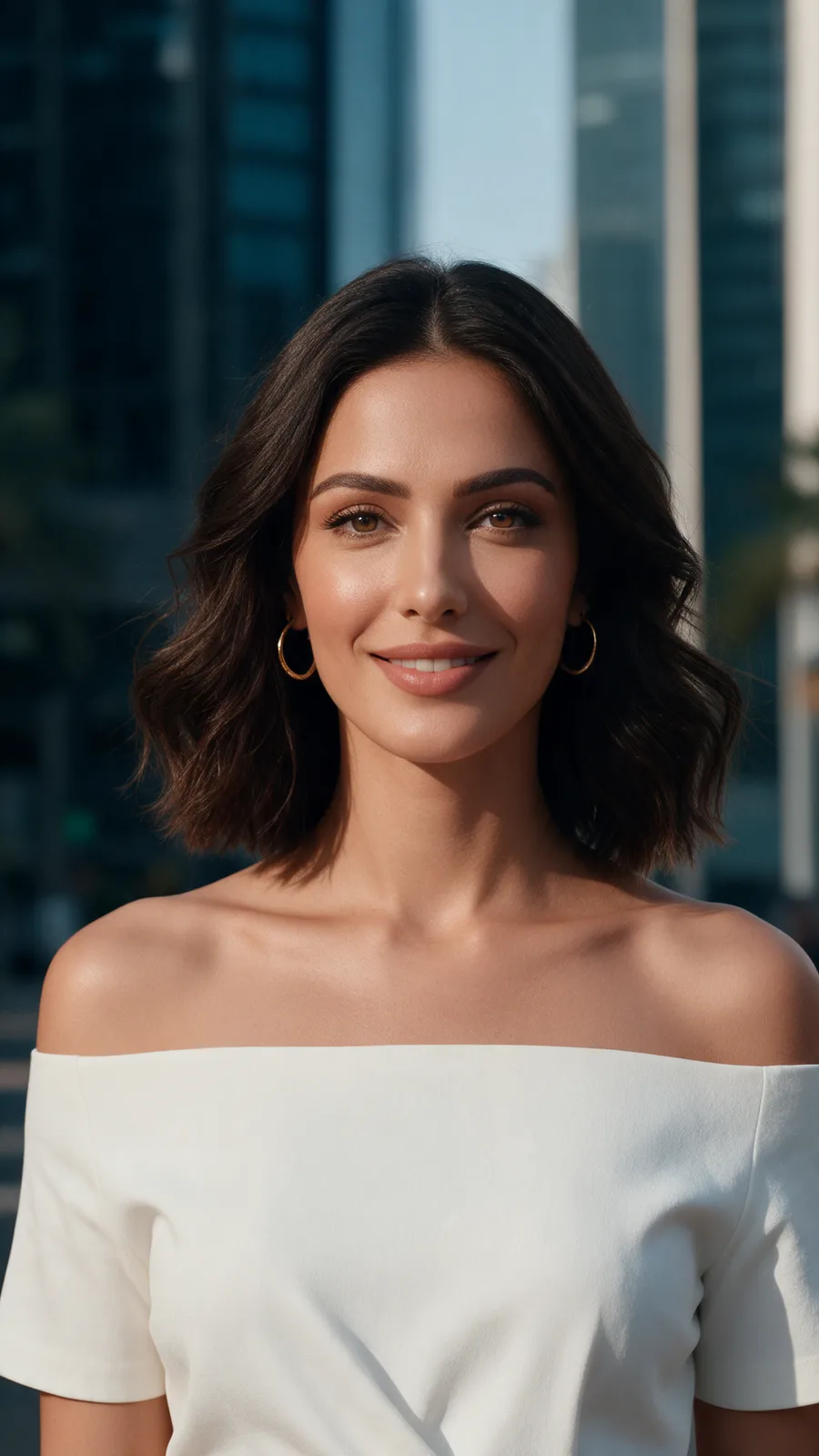
A portrait frame from a photoshoot


Every picture on this page is Tarzi output made for the showcase, not customer work. Your own results depend on your references and your description.
What to expect
Tarzi uses generative AI. The result is a photograph-like image of the garment, not a rendering in your hand; it helps a client see the piece, it does not replace your illustration.
A loose line drawing gives the model freedom, so fabric and volume follow your description; a tight drawing is followed more closely. Hip drape and skirt volume are the details that most often need an edit.
Your drawings and results are private to your account and never used as examples. You own what you generate and can delete it at any time.
Questions people ask
- Will it copy my drawing style or only the garment?
- Only the garment. The illustration decides the cut and the proportions; your description decides material and finish. The output is a realistic image, not an illustration in your style.
- Can I show the garment alone, without a model?
- Describe it on a mannequin or laid flat and the image is composed that way. Views on a model and photoshoots are separate steps you take only when you want them.
- Does it work with Arabic descriptions?
- Yes. Write in Arabic or English; the studio itself is available in both languages.
- What do I download?
- The original files as generated: PNG for images and MP4 for films, never re-compressed.
Related pages
Try it on a design of your own
Open the studio, start from a sentence, a sketch or a photo, and judge the result on your own work. Credits are bought once and spent per piece; nothing renews.